Microsoft Commerce Central

Early dashboard exploration
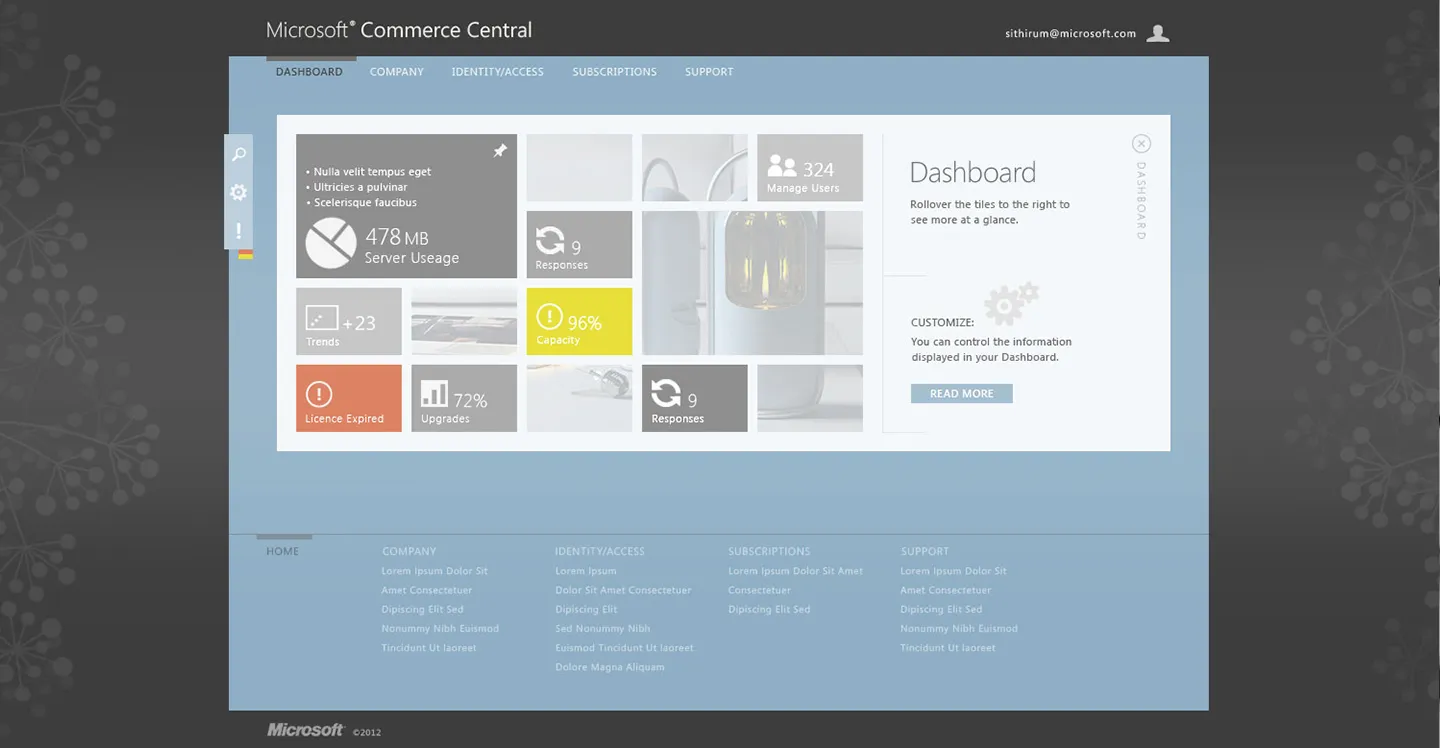
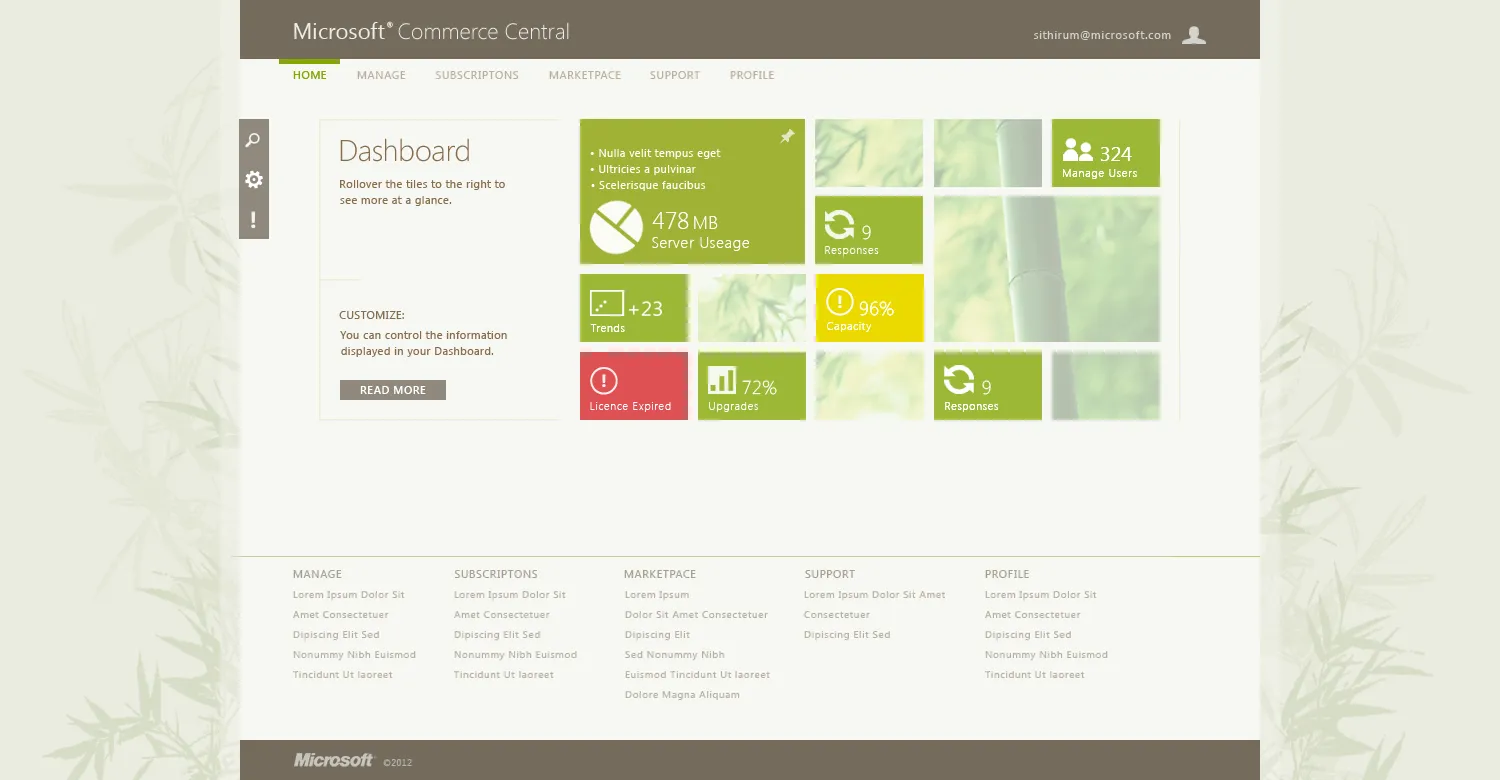
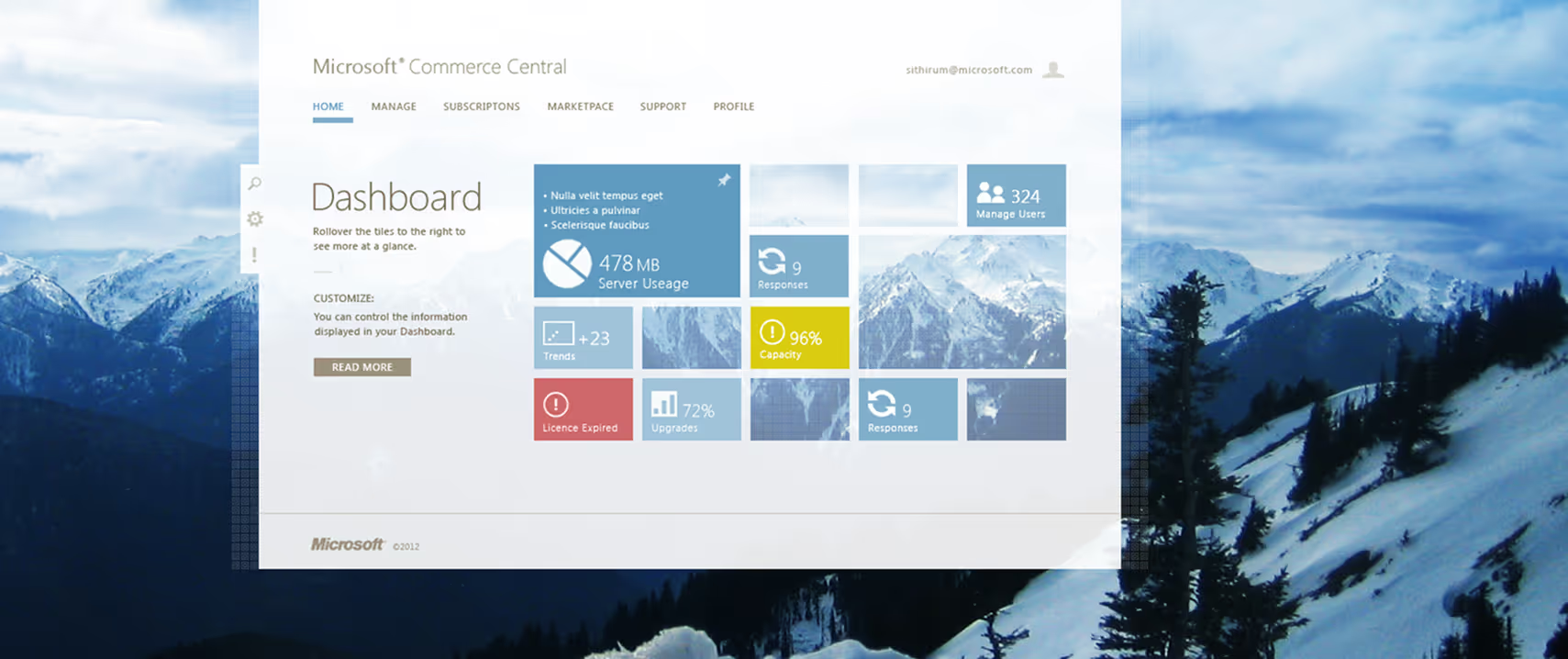
Microsoft Commerce Central dashboard UI showing server usage, user management, responses, capacity, trends, upgrades, and license status over a mountain landscape background.

The Commerce Central site was designed to provide a unified experience for Microsoft enterprise buyers and sellers to manage service subscriptions, track payout information and view related analytics.This is some of the initial visual exploration.

Overview

Context
Customers with multiple MS subscription products to manage had to go to each products site. With this integrated dashboard, users could then come to one central location for this work.
Hard Skills
Icon - Wireframing.
Wireframing
Icon - Prototyping
Prototyping
Icon - UI Visual Design.
UI Visual Design
Soft Skills
Icon - Creativity.
Creativity
Icon - User advocacy.
User advocacy
Icon - Active listening
Feedback integration
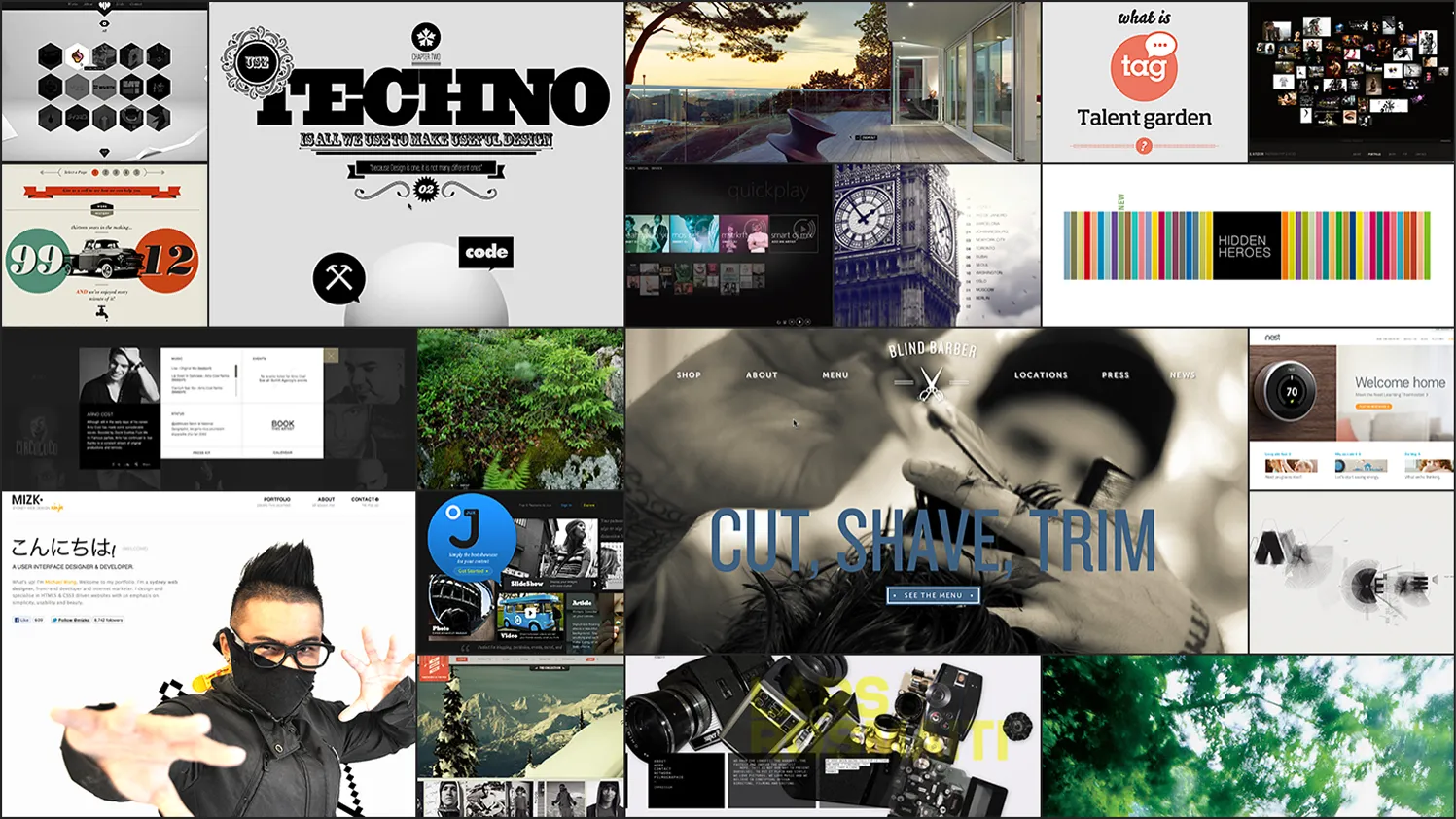
Storyboard
Collage of various website and digital media designs including tech typography, outdoor scenery, barber service, and a masked person posing.
Color study (a)
Website design concept with mountain color palette on the left and a scenic mountain landscape with rocky terrain and sparse trees on the right.
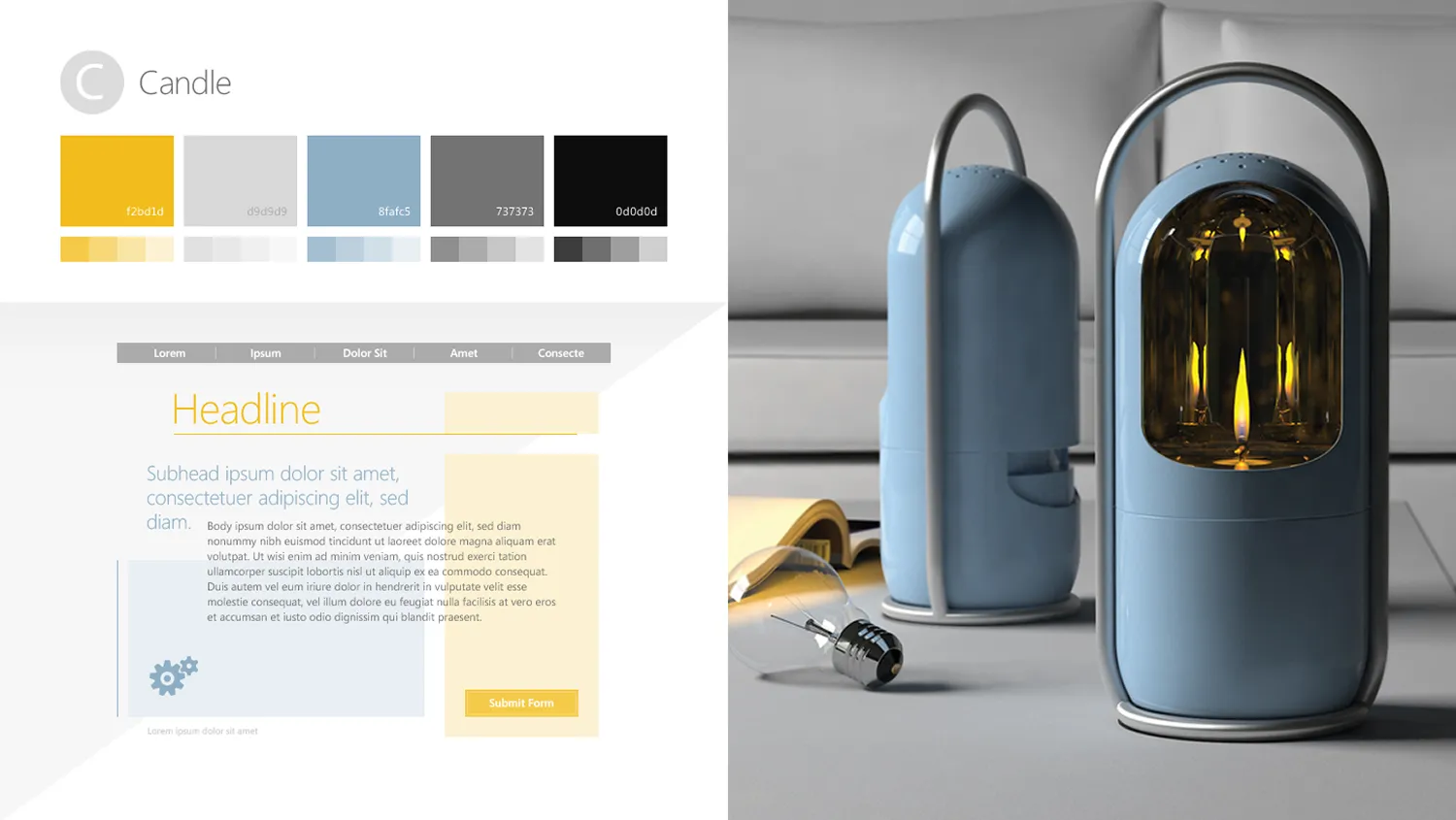
Color study (b)
Modern blue candle lanterns with metal handles on a table in front of a beige sofa, accompanied by an open book and a glass light bulb.
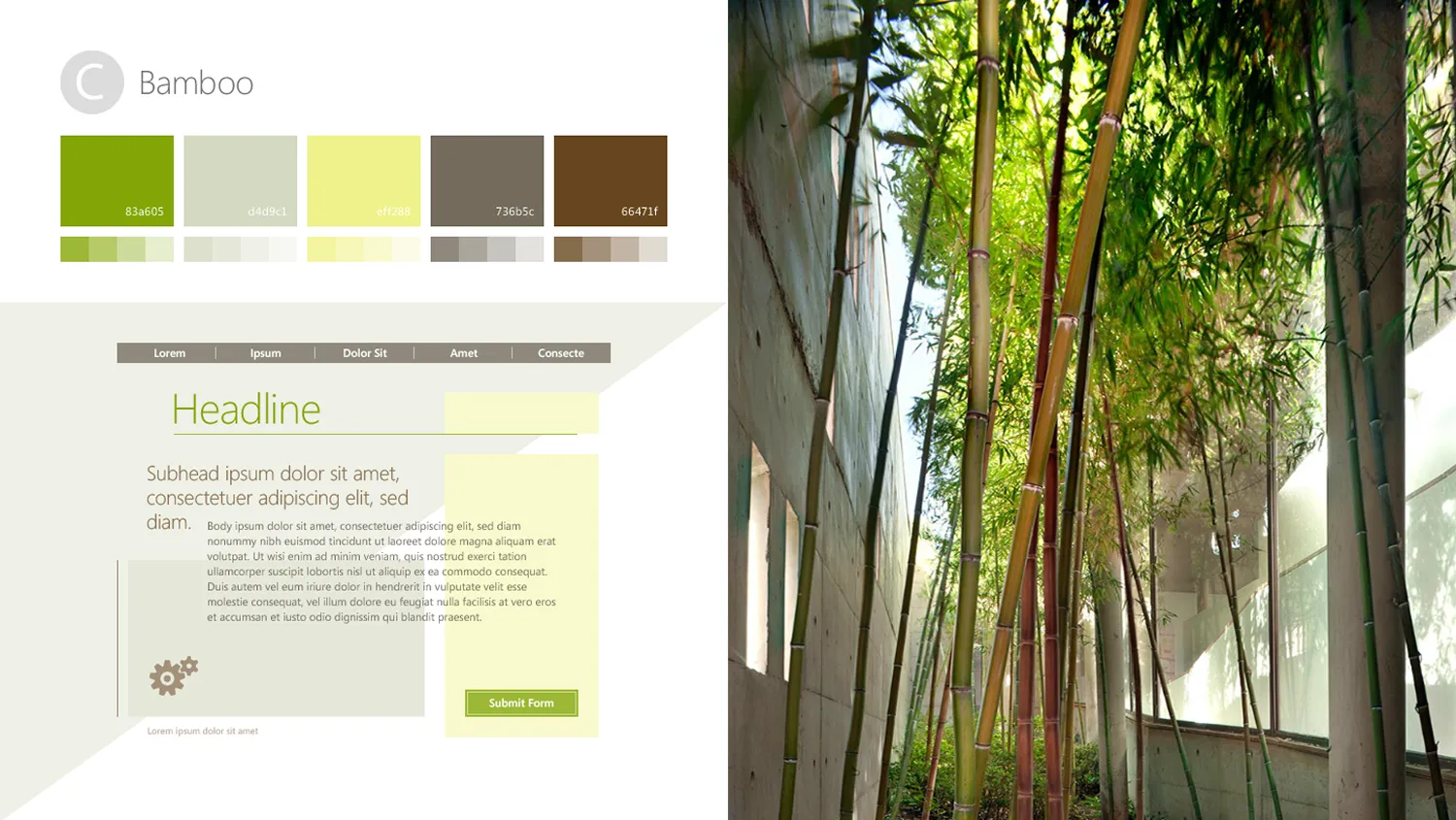
Color study (c)
Tall bamboo stalks growing between concrete walls under natural light.
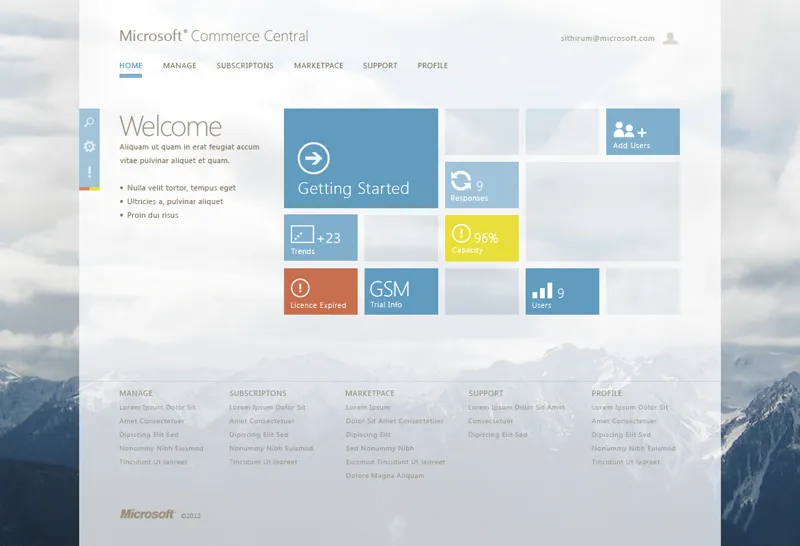
Dashboard (a)
Microsoft Commerce Central dashboard with navigation tabs, status tiles for Getting Started, Responses, Trends, Capacity, Licence Expired, GSM Trial Info, and Users, against a mountain background.
Dashboard (b)
Microsoft Commerce Central dashboard showing server usage, responses, user management, license expiry, and capacity metrics.
Dashboard (c)
Microsoft Commerce Central dashboard displaying server usage, capacity, user management, trends, upgrades, and license expired status.